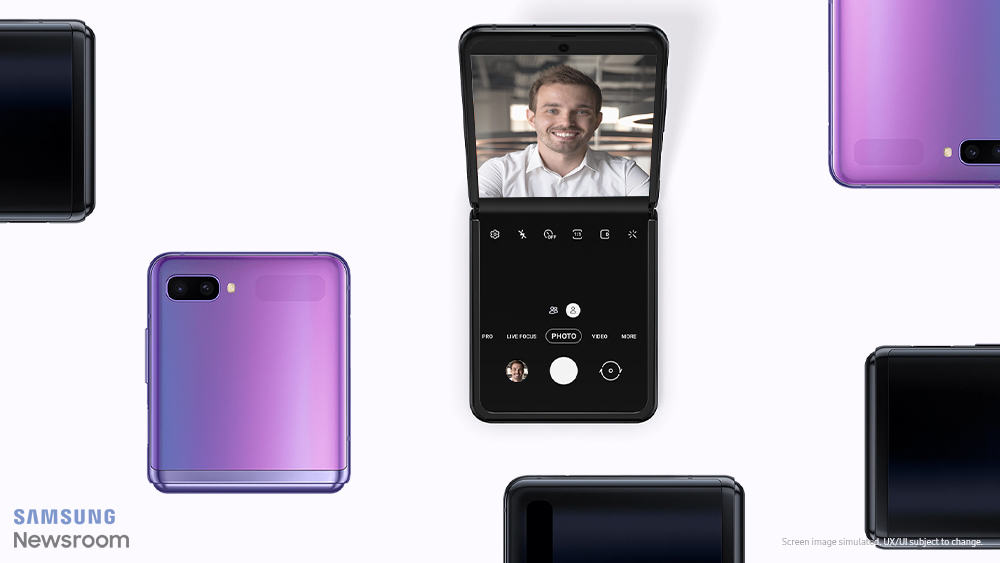
Samsung Electronics flipped the smartphone world on its head with the launch of its second foldable device, created to offer users a convenient and versatile foldable experience: the Galaxy Z Flip. Featuring a first-of-its-kind glass display that folds into a compact and stylish form factor, the company’s latest groundbreaking smartphone offers a whole new mobile experience. One that demands an equally inventive UX.
Follow along as we examine how Samsung optimized the Galaxy Z Flip’s UX to make it easy for users to get the most out of the device.
So Long, Smartphone Stands
Picture this: While on vacation, with your smartphone mounted on your tripod, you carefully frame a shareworthy photo, only to find that the angle of your just-snapped shot isn’t quite right. So you find another spot, set up again, and hope that you take your pick in time to capture that scenic sunset in all its glory.
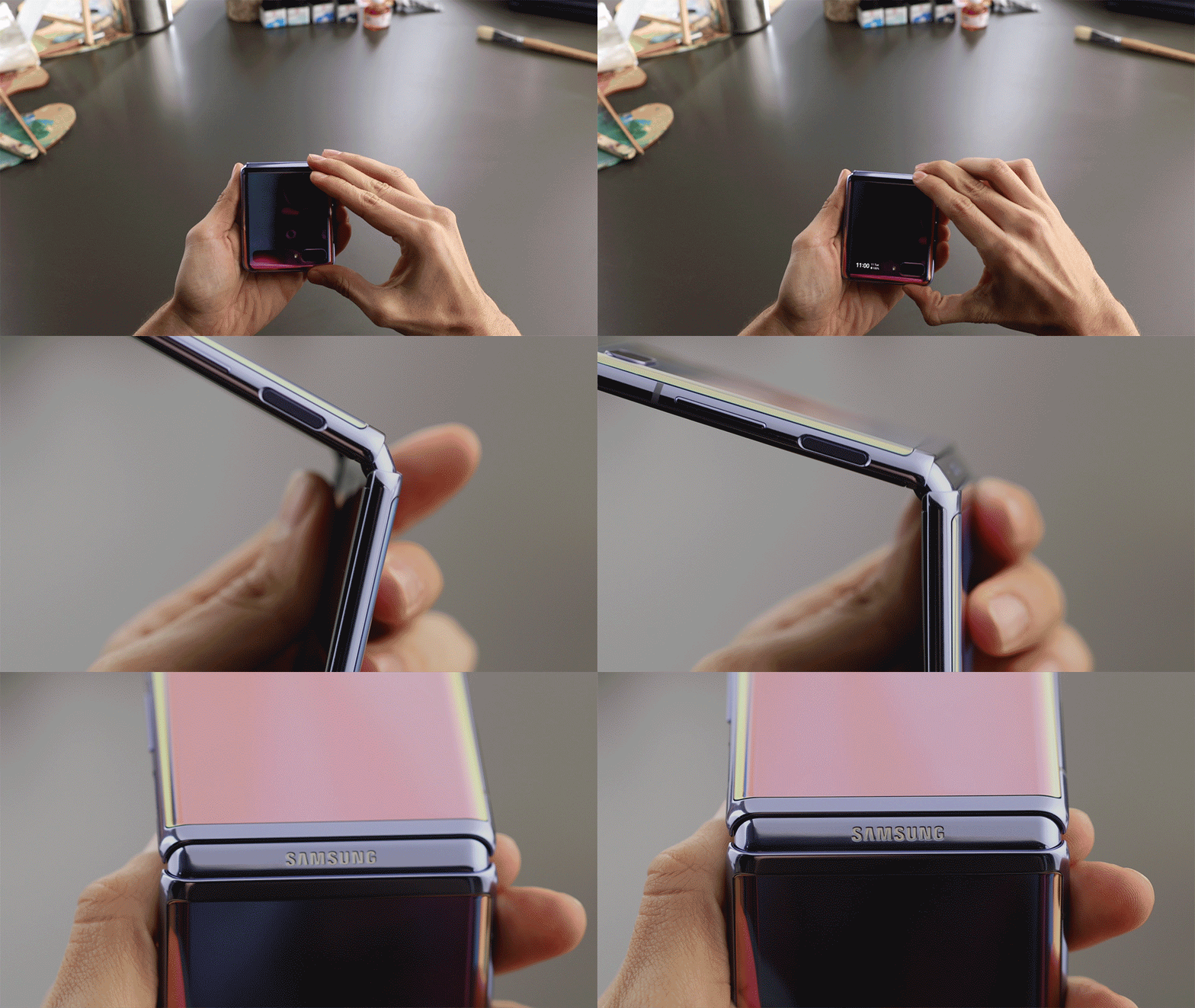
With Flex mode on the Galaxy Z Flip, you can forget tripods. All you need to do to set up a spectacular photo or video is fold your smartphone to the angle you need and place it wherever you like. It’s capable of sitting upright on its own, and stays open at various angles. So there’s nothing holding you back from finding the perfect perspective for capturing the moment. When posing for a photo in front of a magnificent skyline, open the device to a wide angle. For portrait photography, narrow the angle to place your subject front and center.
The stability provided by the Galaxy Z Flip’s freestop folding system, together with the camera’s Night mode, makes the smartphone a game-changer for low-light photography. Capturing vivid nighttime shots is simple when you have a camera that’s capable of standing perfectly still, and minimizes noise to bring out details in dark settings. The camera also makes it easy to record mesmerizing hyperlapse videos after dark with its Hyperlapse function and Night mode.
Add Some Flex to Your Phone
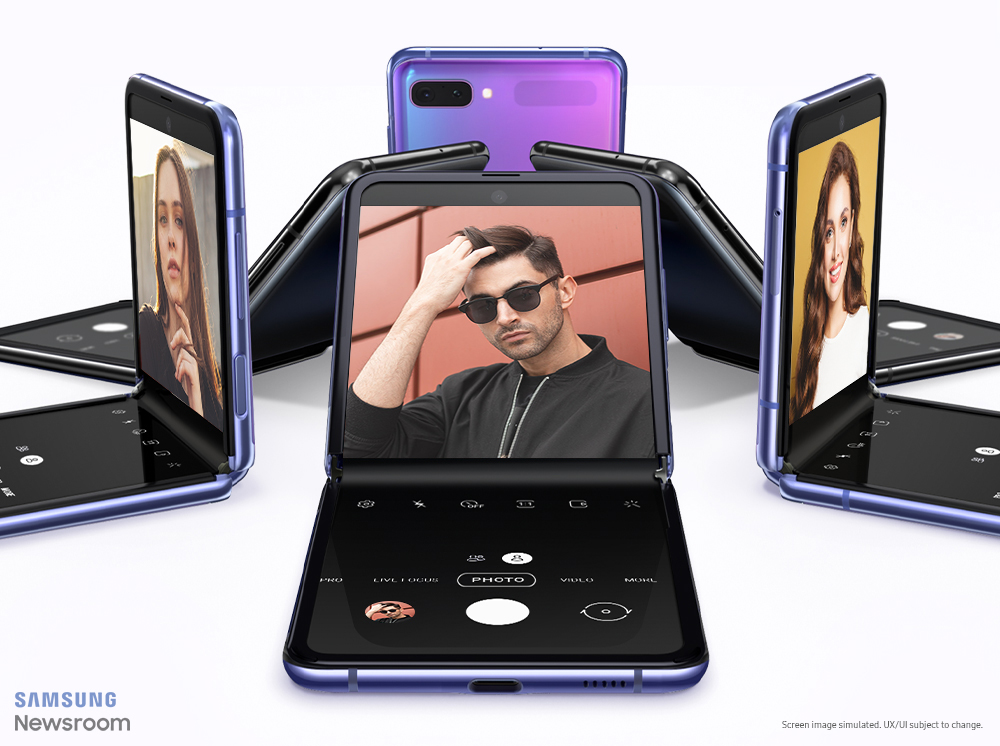
Designed exclusively for the Galaxy Z Flip’s unique form factor, Flex mode completely reimagines the mobile experience to allow users to do more, from multiple angles, hands-free. It’s activated as soon as the user folds or unfolds their phone, and when the device is free-standing, it automatically splits the display into two four-inch screens. Content is visible on the top half, while controls are presented on the bottom.
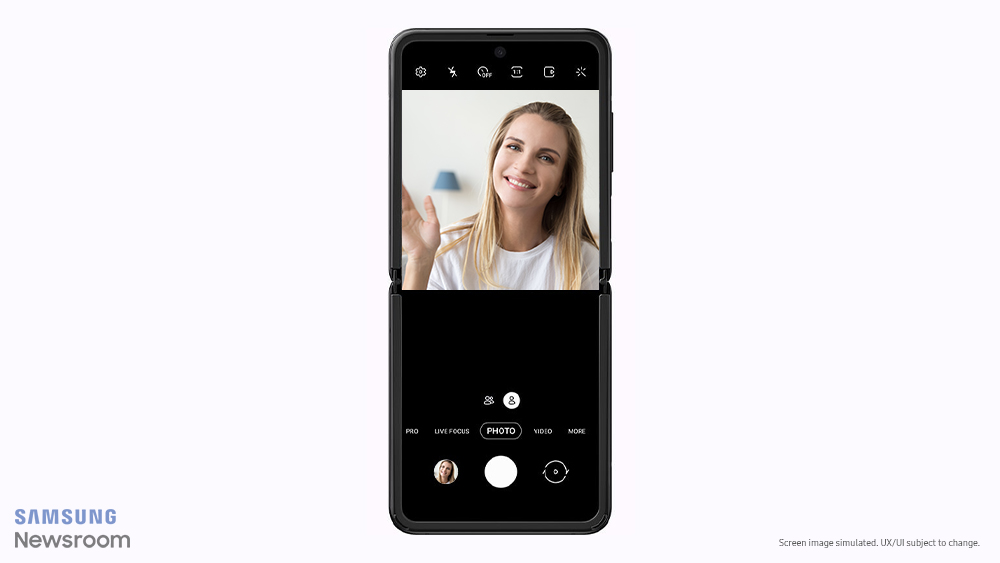
The Galaxy Z Flip features several Flex mode-optimized apps1 right out of the box, with plenty more on the way. Take the camera, for example. When the user launches the Camera app, they’re instantly presented with a preview of their shot on the top half of the screen, with controls to switch cameras and modes and manage settings accessible at the bottom. When viewing photos and videos in the Gallery, your content is displayed on top, while the bottom half of the display acts as a touchpad of sorts that lets you zoom in and out and cycle through photos with a simple pinch, swipe or flick.
Content creators can utilize the Galaxy Z Flip’s camera in Flex mode to make sure that their photo or video is the perfect aspect ratio for the type of content they’re producing. The top half of the screen lets users view their shot or recording in a wide range of aspect ratios, including 1:1, 9:16, 3:4, 9:22 and 16:9.2 The Galaxy Z Flip supports to record 16:9 video, which, when recorded while the device is free-standing, is presented on the top half of the screen. The ability to take immersive 16:9 video from virtually any position makes it easy to record shareworthy clips and upload them online.
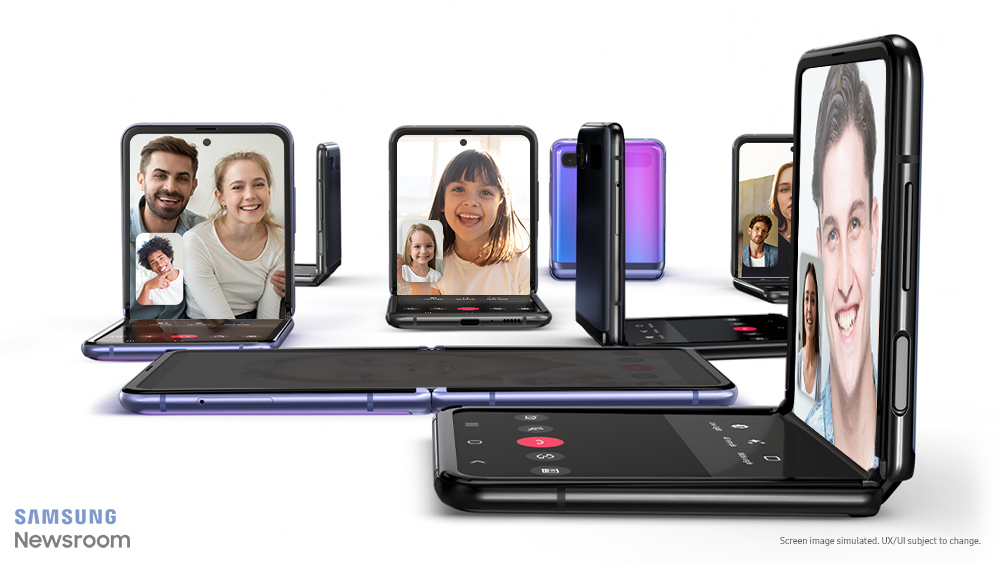
It’s not just photography that benefits from Flex mode’s versatility. The ability to place your phone upright and video chat hands-free adds a new layer of comfort to connecting with friends. Samsung worked closely with Google to optimize Google Duo for the Galaxy Z Flip to make users’ experience with the video chatting app even more convenient. As a result, the device allows users to instantly initiate video calls with people they’d like to contact, simply by tapping on the Google Duo icon in the Phone, Contacts or Messages app. When making their call, they’ll also be able to do things like send fun AR Emojis and switch to wide-angle mode.
And that’s just the tip of the iceberg. Going forward, Samsung will continue to collaborate with developers and partners to dream up new ways to optimize apps for Flex mode, and unlock ever more convenient and creative uses for foldable devices.
A Multitasking Machine
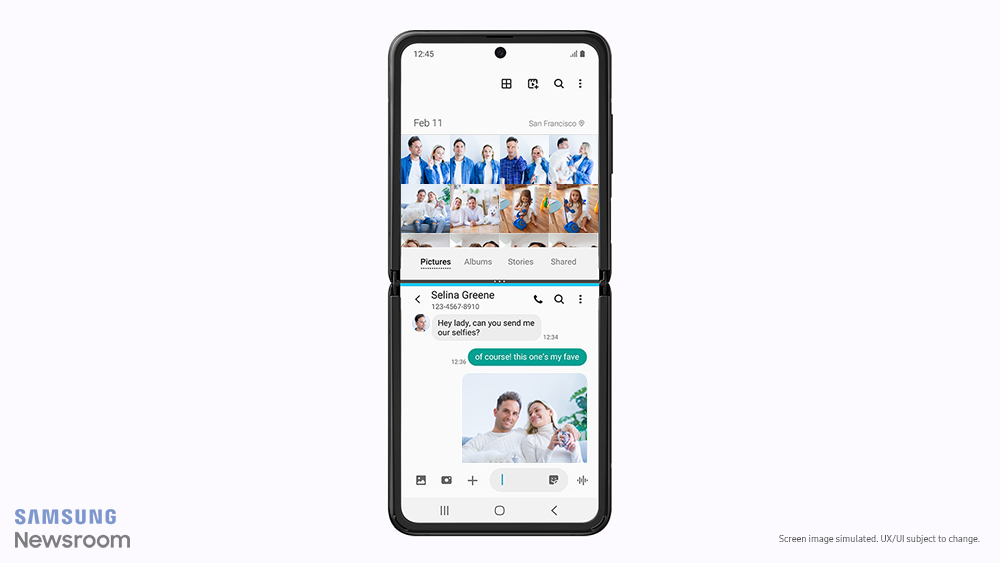
The Galaxy Z Flip’s unique form factor and foldable UX make multitasking seamless. The ability to fold the device’s spacious 6.7-inch screen in half adds a whole new dimension to managing two apps with Multi-Active Window. Enjoy easy access to your go-to apps by swiping left from the right side of the display and launching the completely customizable Multi-Window Tray.
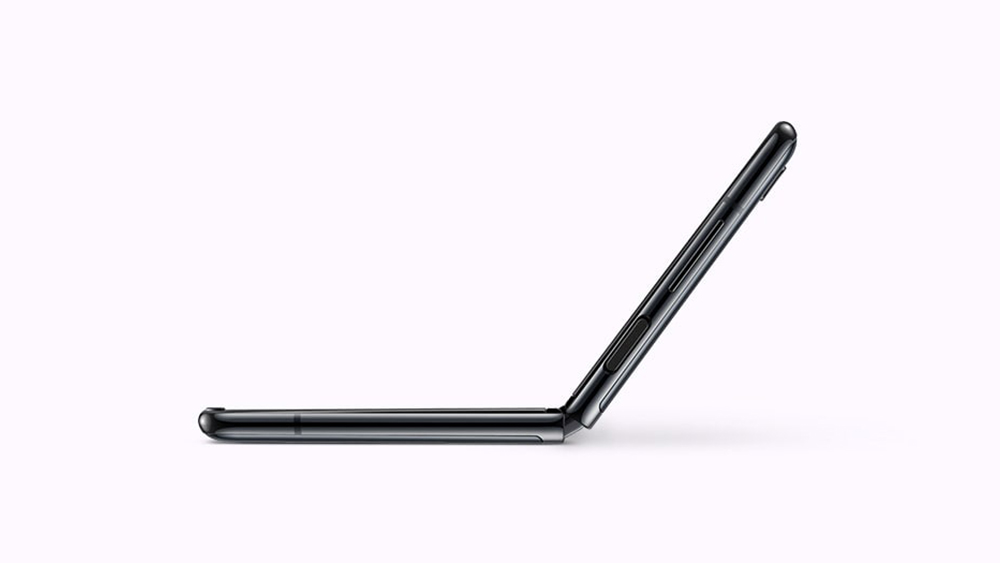
The possibilities are endless. Thinking of testing out a new recipe? Watch a cooking video on the top half of the display while taking notes on ingredients and instructions on the bottom. Got your eye on a new piece of tech or clothing? Make sure you’re getting the best deal by simultaneously comparing prices from multiple sellers. The bottom half of the screen is also perfect for, for example, searching for info online on the new show you’re watching, or typing out particularly inspiring passages from the e-book you’re reading.
A Convenient Cover
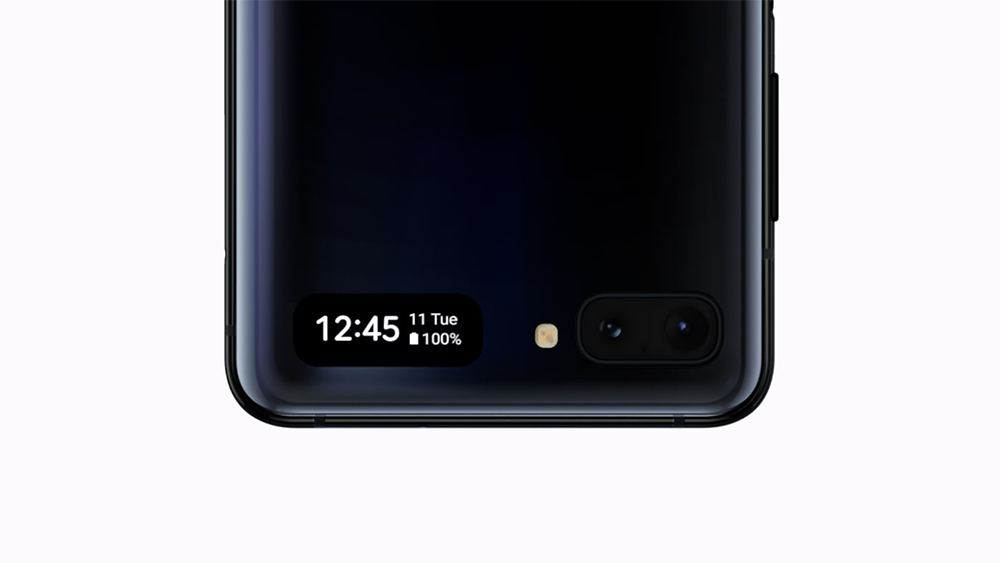
One of the Galaxy Z Flip’s most versatile features is its cover display, which allows you to manage notifications, take quick selfies and more, all without unfolding your phone.
Double tap the display or press the side key to instantly view the date, time and battery status. A swipe to the left will pull up music controls, while a swipe to the right accesses the notification panel. Once the user taps a notification and unfolds the device, they’re able to pick up precisely where they left off on the main screen.
A double press of the power button will launch the Camera, which is perfect for prepping your pose before snapping a selfie. Once you and your friends have landed on a look you like and adjusted your position and background accordingly using the cover display, you can snap your shot with a press of the volume button, or by simply showing your palm to the camera. Unfolding the phone will take you straight to the Gallery, where you’ll be able to take a closer look at your photo on the main screen.
1 At launch, Flex mode-compatible apps include the native Camera and Gallery (image and video viewer) apps, as well as the Always-On Display (AOD) and Google Duo. Compatibility with more native and third-party apps will be introduced in the near future.
2 Not all aspect ratios support both images and video.
* This article was originally published here

